
Fahniz — A Complete CRM and Mini-ERP “Nizam” for Your Business
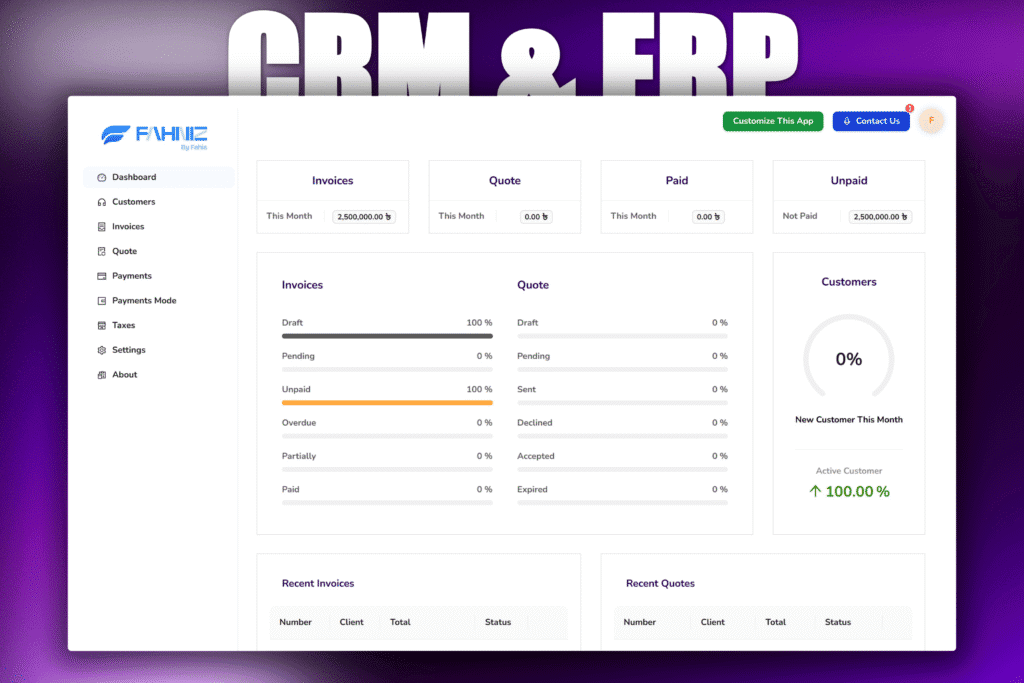
Bring order to chaos: Fahniz delivers a unified CRM + ERP system so your business runs smoothly, with streamlined customer management, sales tracking, and core operations — all under one roof.
A Unified, Systematic Nizam — CRM + Mini-ERP in One
Leads and customer interactions scattered across different channels (spreadsheets, WhatsApp, manual records). No unified system to track sales, follow-ups, customer data, and operations. Lack of transparency and coordination among team members. Manual processes causing inefficiency, data duplication and errors. Difficult to scale operations as business grows due to fragmented workflows
How we solve it
A Unified, Systematic Nizam — CRM + Mini-ERP in One
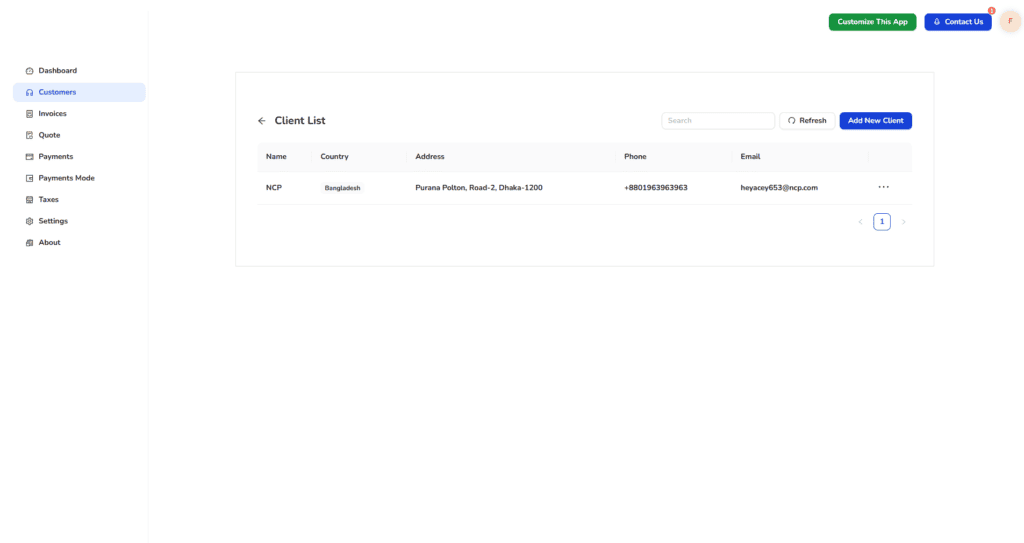
Fahniz consolidates customer data, leads, sales flow, and operations into a single platform. It provides a unified interface to manage contacts, deals, follow-ups, and business operations — enabling teams to coordinate seamlessly, reduce manual work, and keep accurate records. Centralized customer and lead database Sales tracking and follow-up management Unified dashboard for operations and sales oversight Easy maintenance of business data and workflows Scalable for growing business needs
Tech Stack
Project Process
Requirement gathering & planning
Defined what “mini-ERP + CRM” should offer: customer/leads management, sales pipeline, possibly inventory/ERP features depending on business needs. Mapped out core modules (CRM, maybe ERP-related modules) and user roles (admin, salesperson, etc.). Prioritised features to implement first — basic CRM/ERP functionality first, more advanced modules later.
Choose technology stack & setup development environment
Decided on appropriate backend + frontend technologies (e.g. Node.js or similar, plus JavaScript/HTML/CSS for UI) and a database (SQL or NoSQL depending on data needs). This matches typical CRM/ERP setup guidelines. Defined relations between tables to support workflows: e.g. a lead may convert to customer, tasks linked to leads/customers, deals/opportunities tied to customers, etc.
Database design & data modeling
Designed schema/tables to support entities like users, contacts / customers, leads/opportunities, tasks/activities, maybe products/inventory (if ERP-part used), etc. This is standard for CRM-ERP.
System architecture & modular design
Applied modular design — splitting functionality into modules (CRM module, ERP module, common/shared modules). This improves maintainability and scalability. Defined API endpoints (backend ↔ frontend) to support data exchange, and separation between UI logic (frontend) and business logic (backend).
UI/UX design & frontend implementation
Designed user interfaces for different parts: dashboards, leads/customers list, forms for creating/updating data, navigation, etc. This ensures usability and helps adoption. Implemented frontend code to render pages, handle user interactions, form submissions, lists/tables of data, etc — matching the frontend folder setup in the repository.
Backend implementation & business logic
Developed backend logic to process CRUD operations (create/read/update/delete) for entities (users, customers, leads, tasks, etc.). Handled authentication/authorization (user roles), data validation, and business workflows (e.g. lead → opportunity → customer).
Testing & quality assurance
Performed testing: unit tests, integration tests, data integrity checks — to ensure each module works correctly and modules integrate smoothly. This is a recommended practice before deployment. Fixed bugs, reviewed code, validated data flows and user permissions.
Deployment & release
Prepared production deployment — configured hosting/server (or cloud), database setup, environment configs. Deployed application so users (your business team) can start using it.
Feedback, maintenance & future enhancements
Collected feedback from real use. Identified missing features or improvements (e.g. more ERP features, reporting, UI refinements). Planned future modules/extensions — potentially expand ERP side, add integrations, improve performance or scalability. This aligns with modular ERP/CRM development best practices.
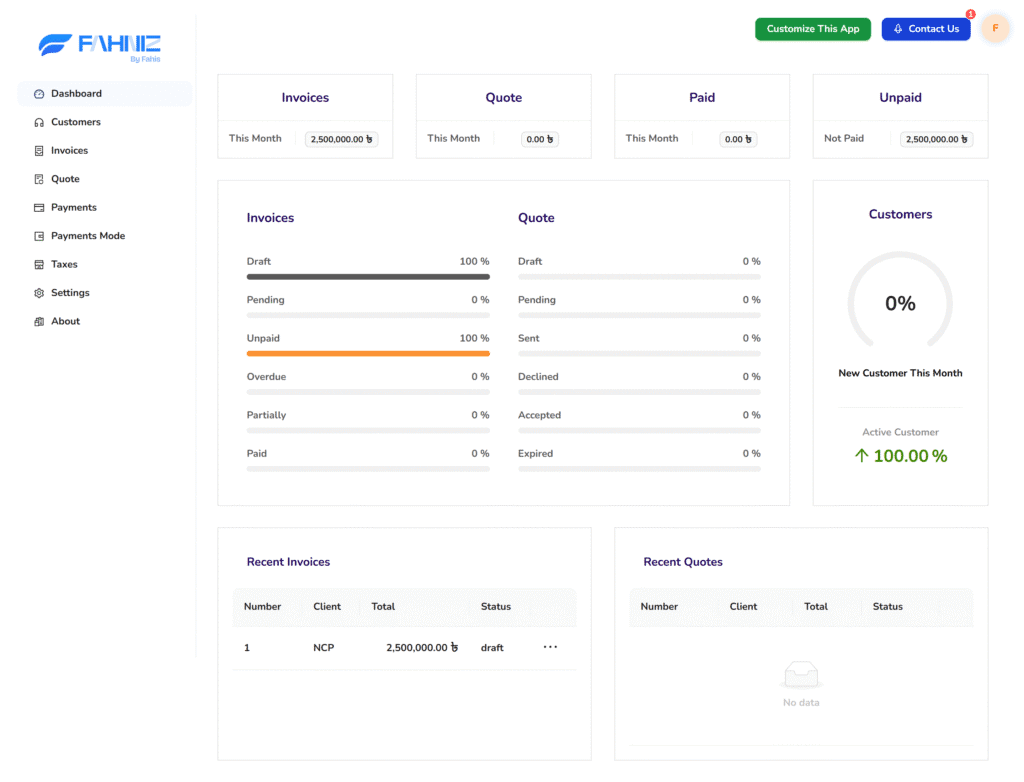
Dashboard Overview
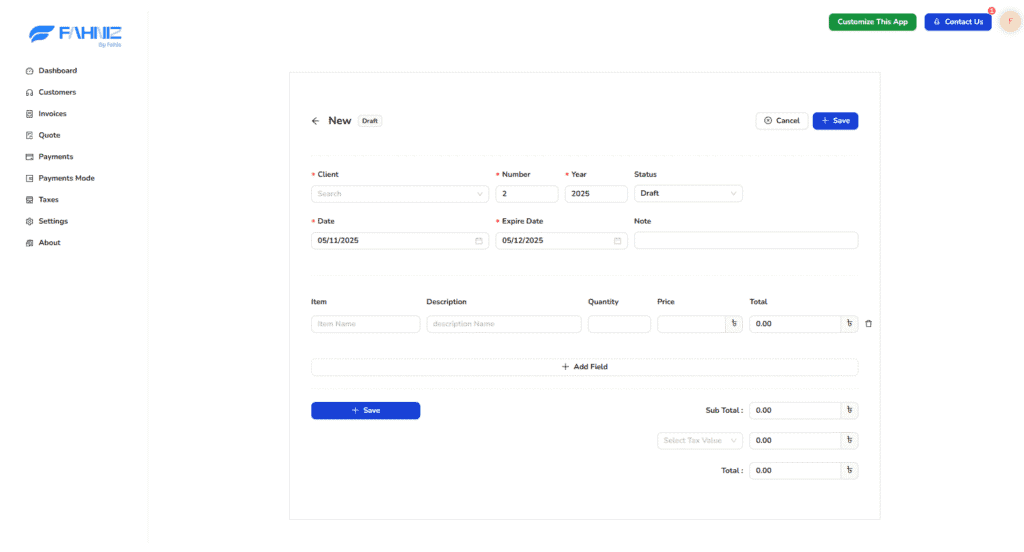
Invoice Management
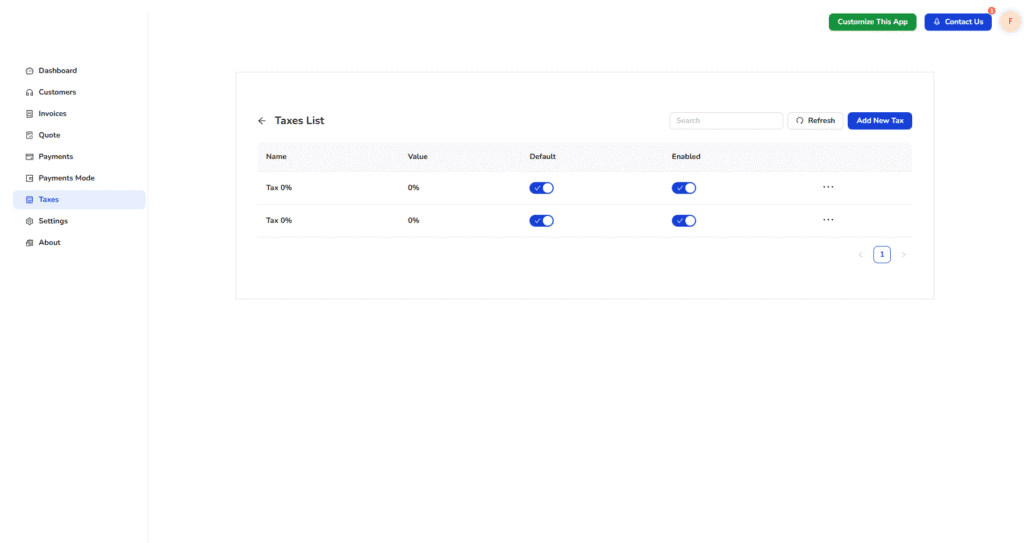
Tax Management
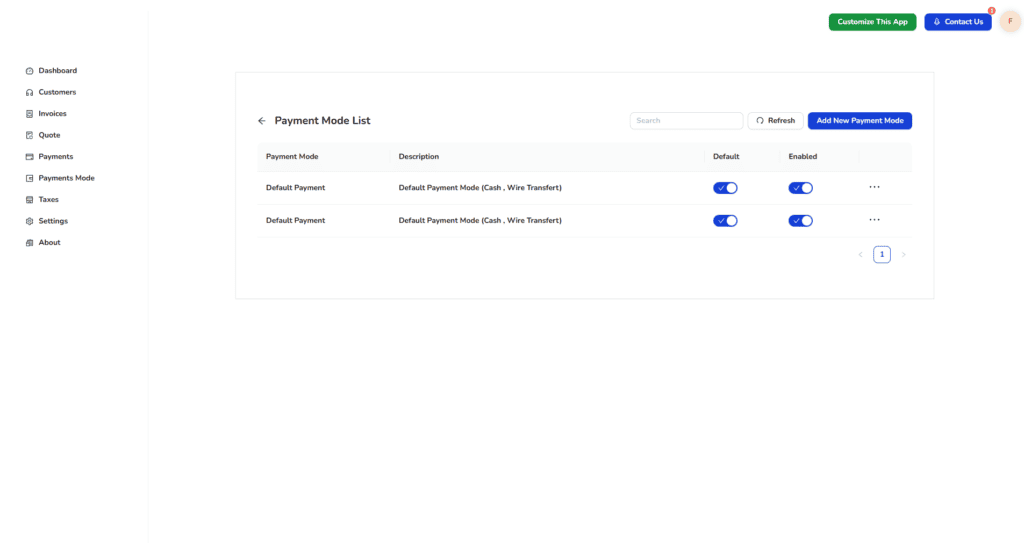
Payment Methods